
AI Kitchen Hob
Designing a physical-digital cooking experience that turns AI sensing into clear, actionable guidance, demonstrated during Dutch Design Week 2025

Internship Project at Accenture Industrial X · Industrial Design
Overview
How might Physical AI become a tangible, believable part of everyday cooking?
Background
An R&D exhibition for Dutch Design Week 2025, using cooking to make Physical AI visible and discussable.
Challenge
Turn an abstract AI vision into a live cooking experience people could understand in seconds.
Constraints
Hardware and AI were still evolving, while the public deadline was fixed.
The experience also had to stay reliable across UX, AI, hardware and live performance.
My Role & Task
Turning the vision into a coherent physical-digital experience
Product & Interaction design
Explored hob–mobile roles, iterated the hob interaction, and developed the mobile guidance experience.
Cross-functional collaboration
Worked with UX, AI and physical prototyping teams to turn sensing and hardware constraints into interaction decisions.
Outcome
What we delivered
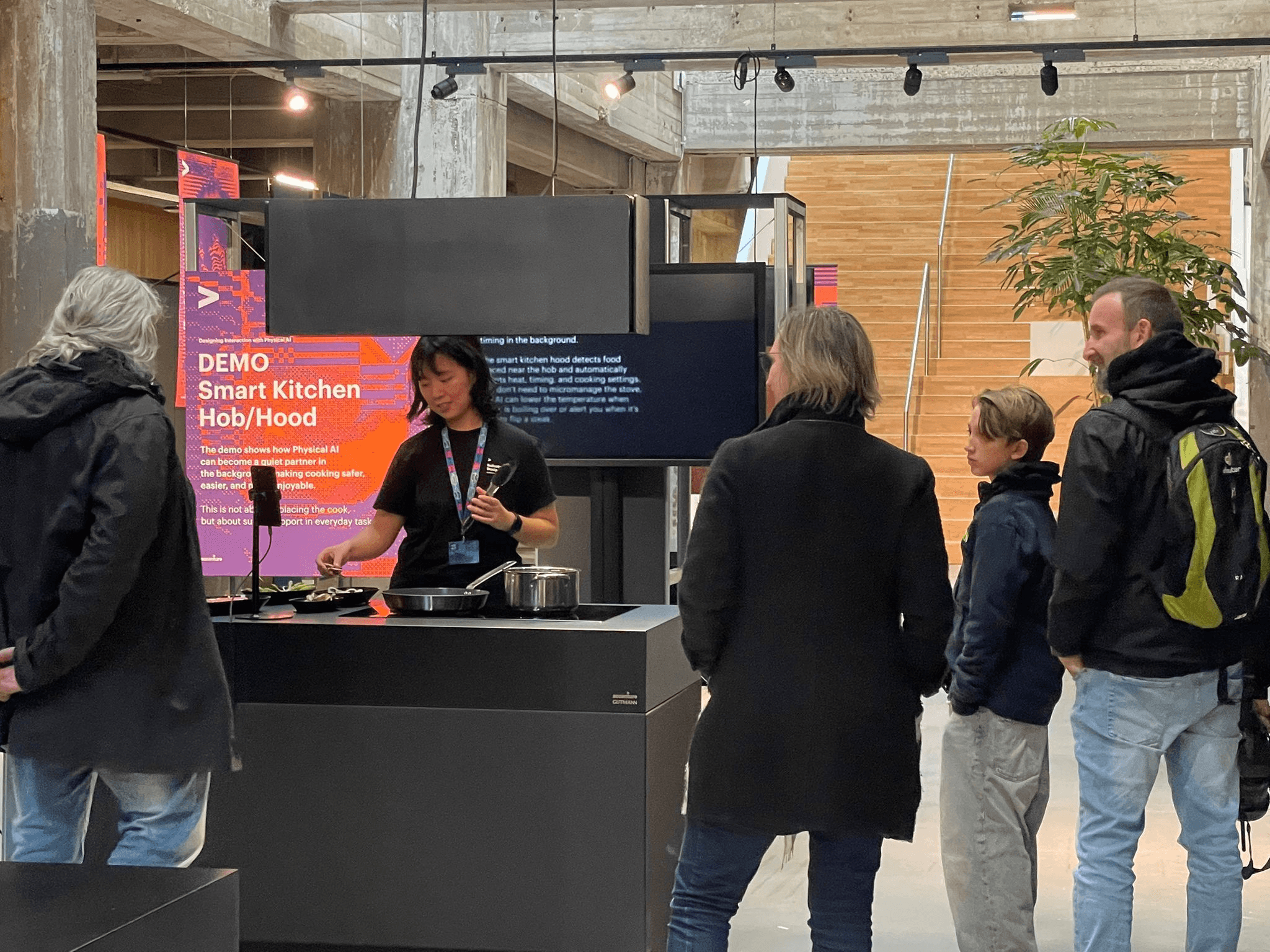
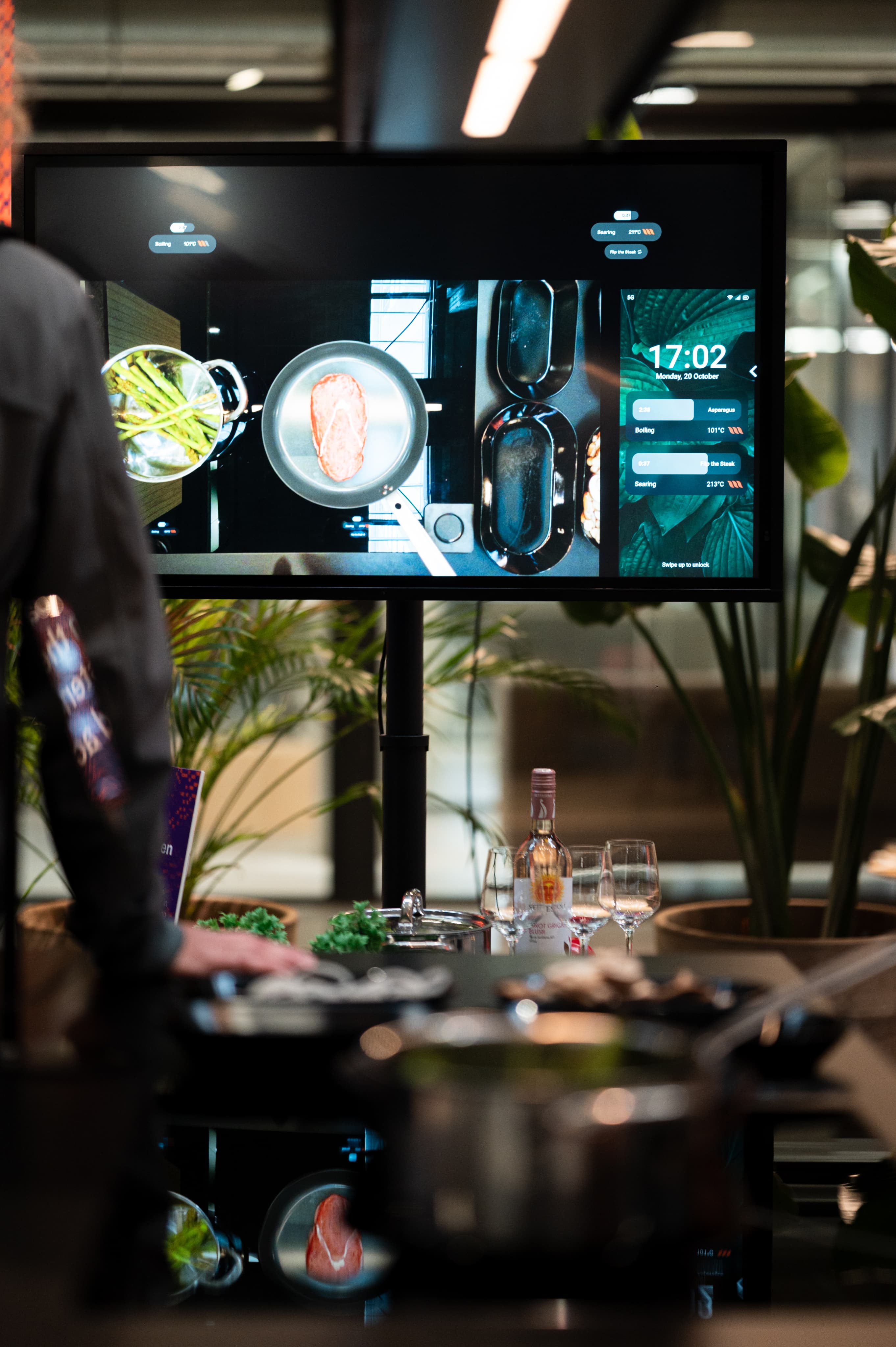
A live physical-digital cooking demo as the core part of exhibition where VLM sensing, hob interaction and mobile assistance worked around one shared cooking context.
Cooking hub + live updates
Turns live cooking context into immediate feedback on the hob and lock screen.
AI Cooking Assistance
- Keeps guidance, timings and suggestions accessible on the phone.
- Provides context-aware recommendations, adaptation and step-by-step guidance when deeper support is needed.
Impact
Exhibition outcomes
15k+
Visitors across the exhibition
1 week
Live public exhibition during
Dutch Design Week
Best so far
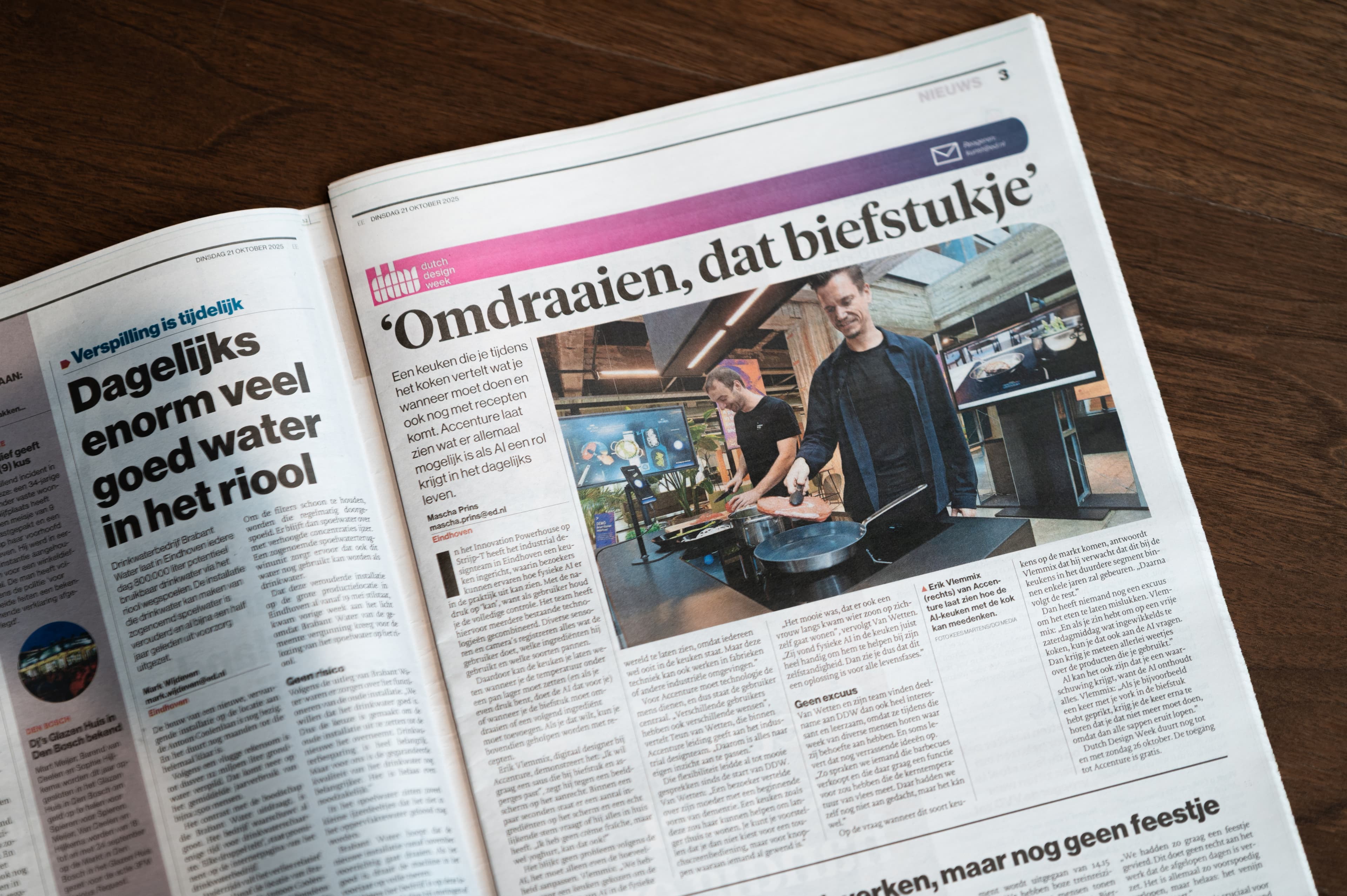
Internally recognised as Accenture's strongest Dutch Design Week exhibition to date.
Continued impact
Moved into GenAI Studio planning and later client presentations
Project Framing
The starting point
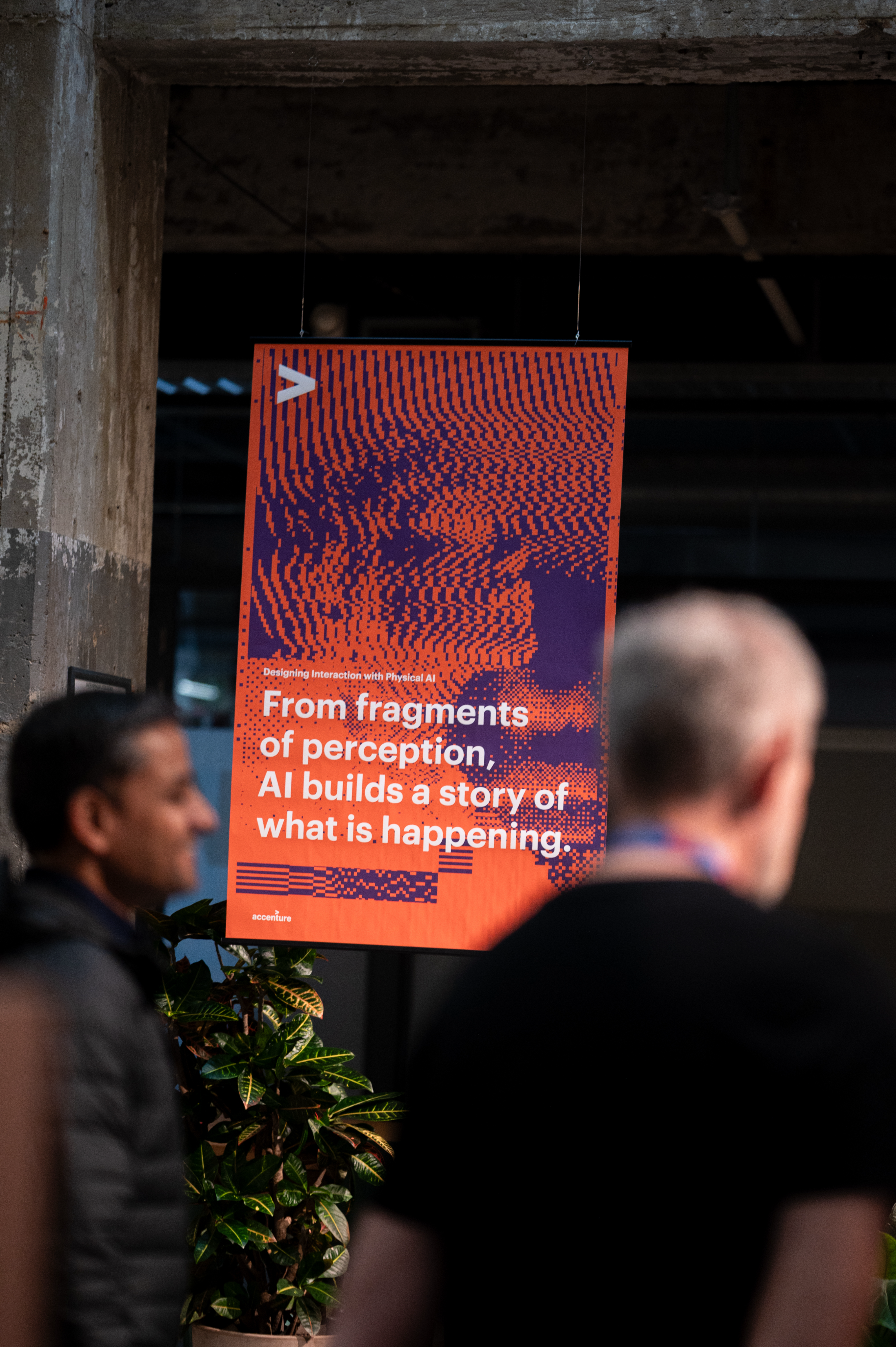
Before I joined, the team had already defined Physical AI and VLM as the exhibition direction. The open question was how to turn that capability into a convincing live cooking experience.
The Exhibition Journey
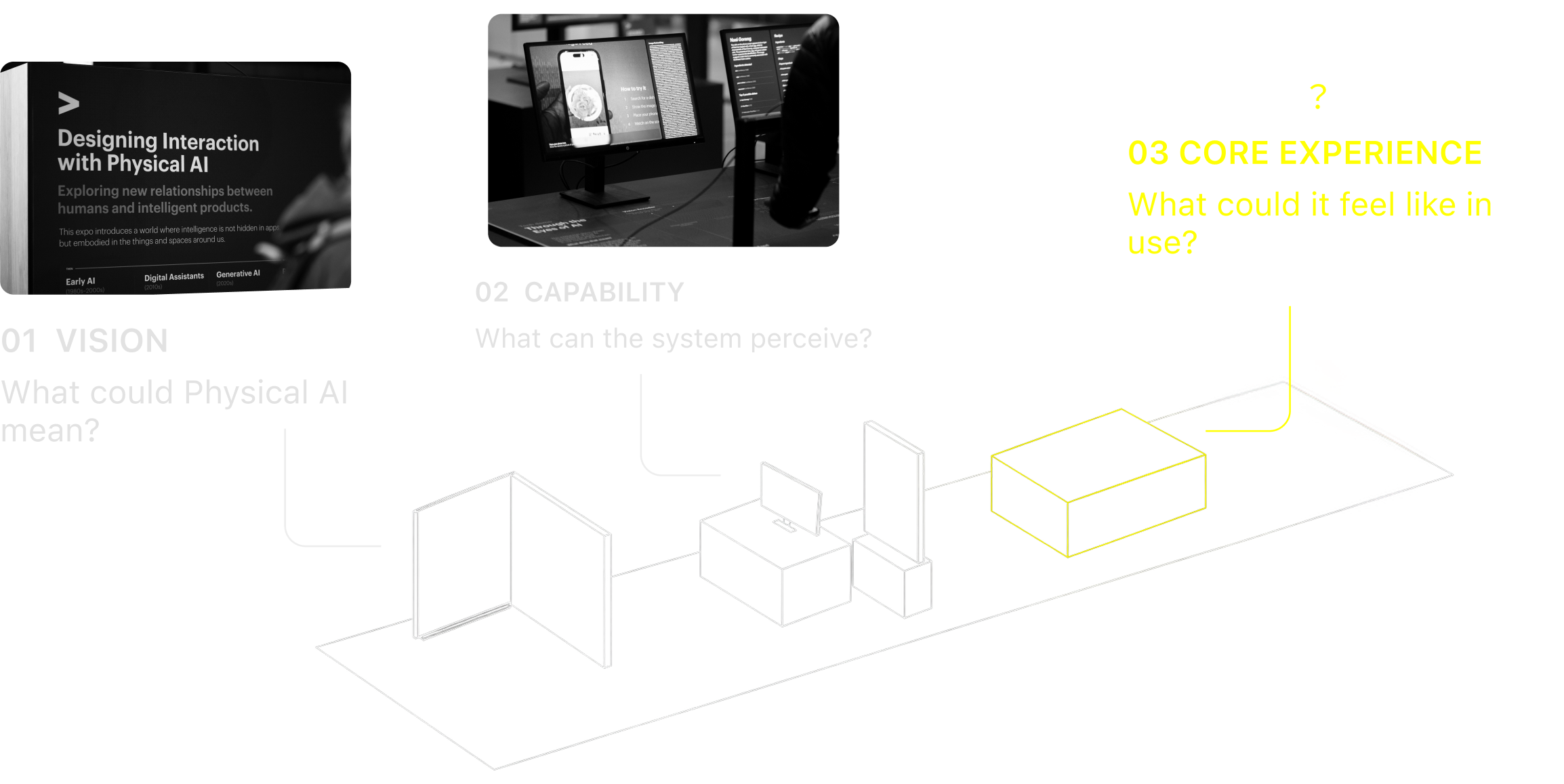
The kitchen demo was the final step of the exhibition — where the abstract vision had to behave like a real experience.
The demo setup
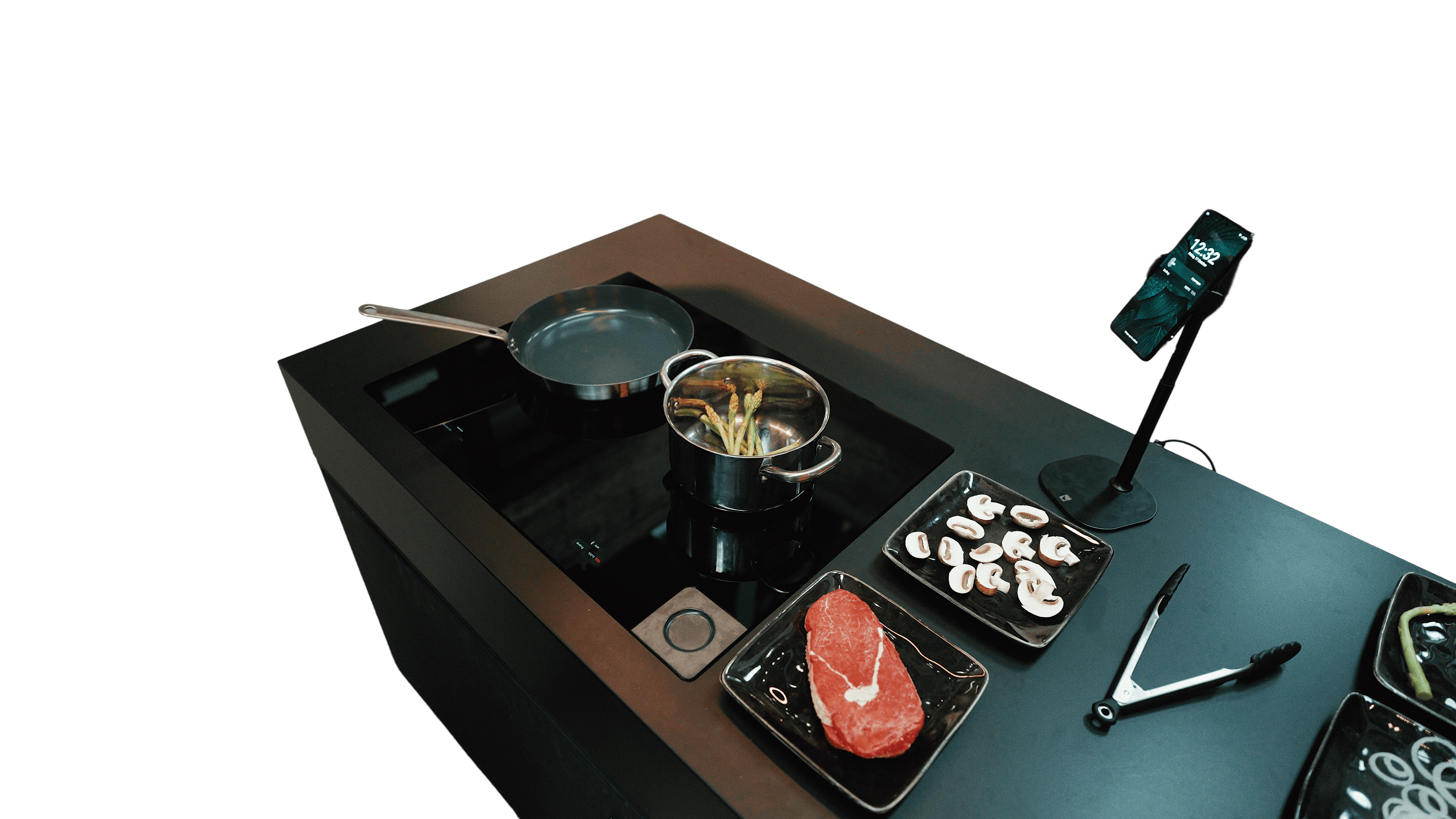
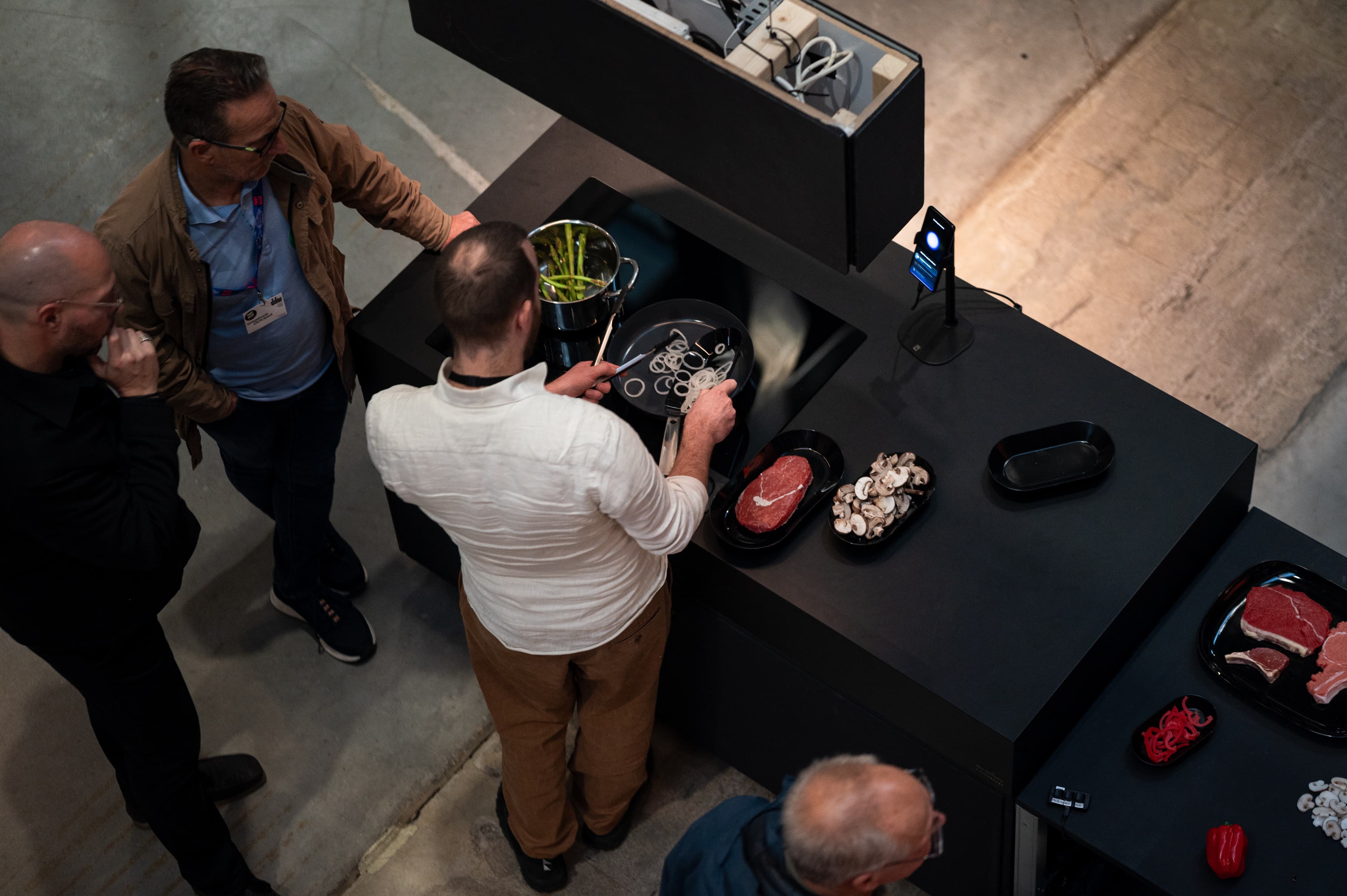
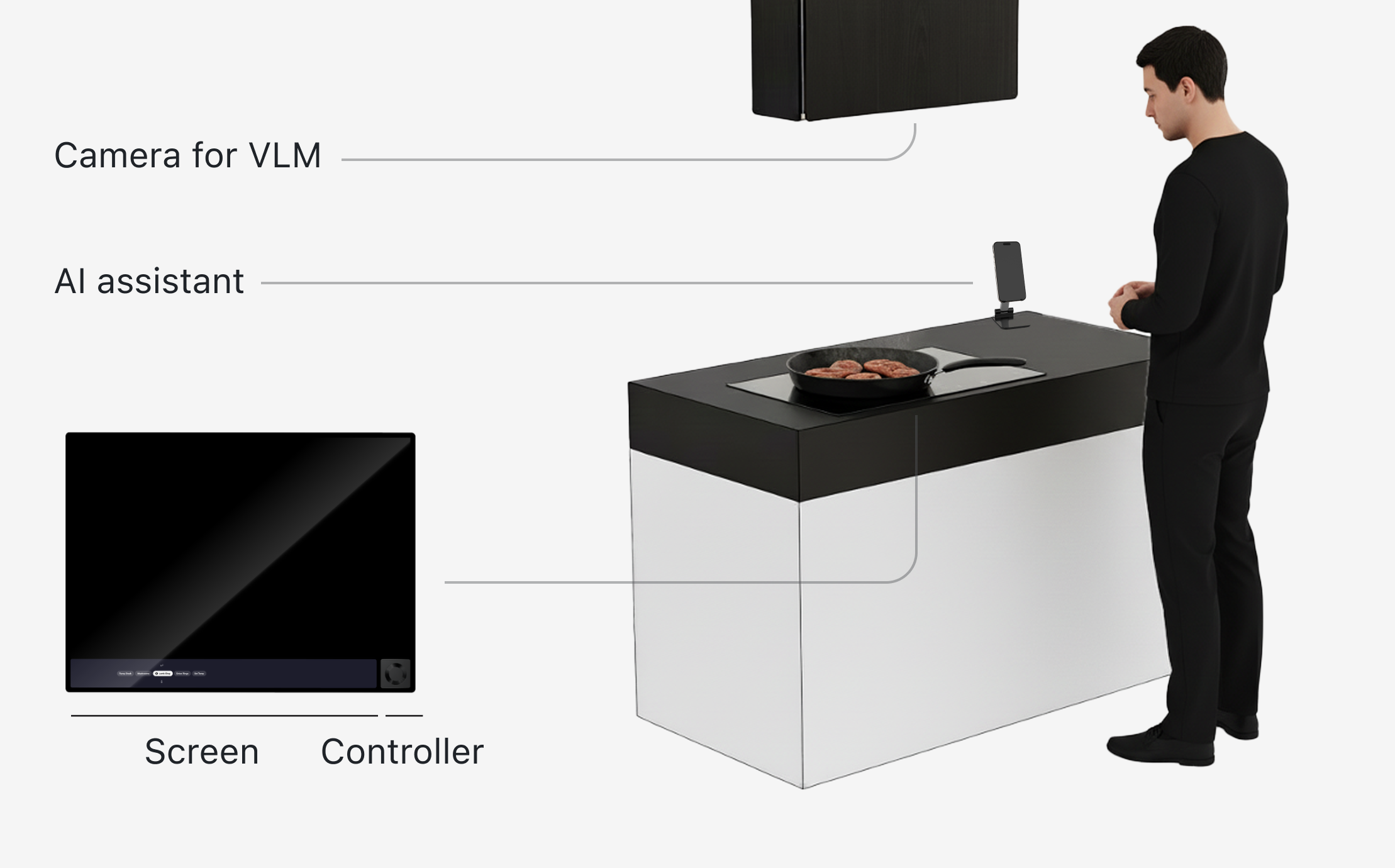
The physical setup on the right was already defined when I joined.
Staff would perform the cooking scenario live, so the interaction had to make sense both to the cook and to visitors watching from a few meters away.
Grounding the vision in cooking
Through a questionnaire and AI-guided cooking pilot, the team identified two recurring problems: coordinating multiple cooking tasks and understanding changing food and heat states.
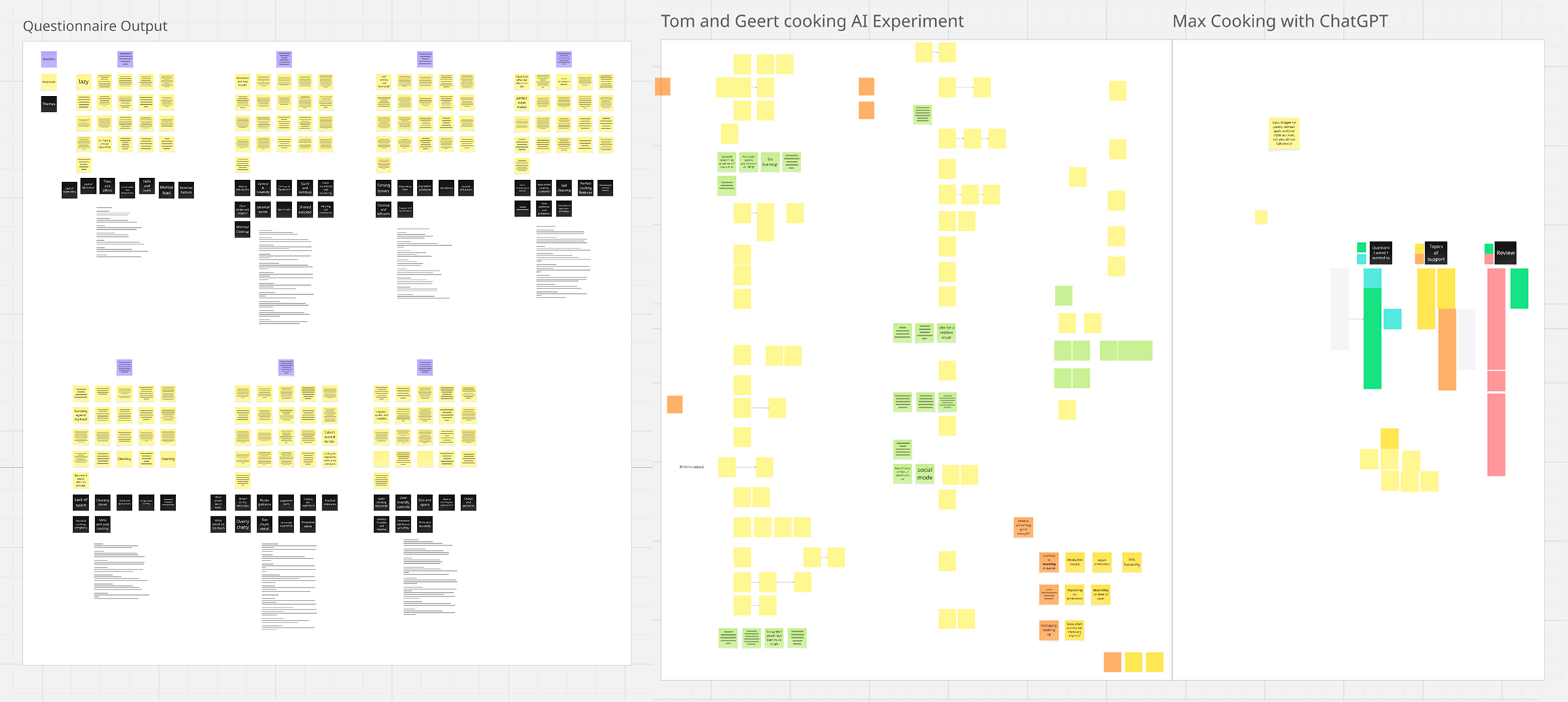
These became the focus of the Demo:
How might AI help people coordinate multiple cooking tasks and better understand what is happening with their food?
Goal & Strategy
Connecting exhibition and cooking goals
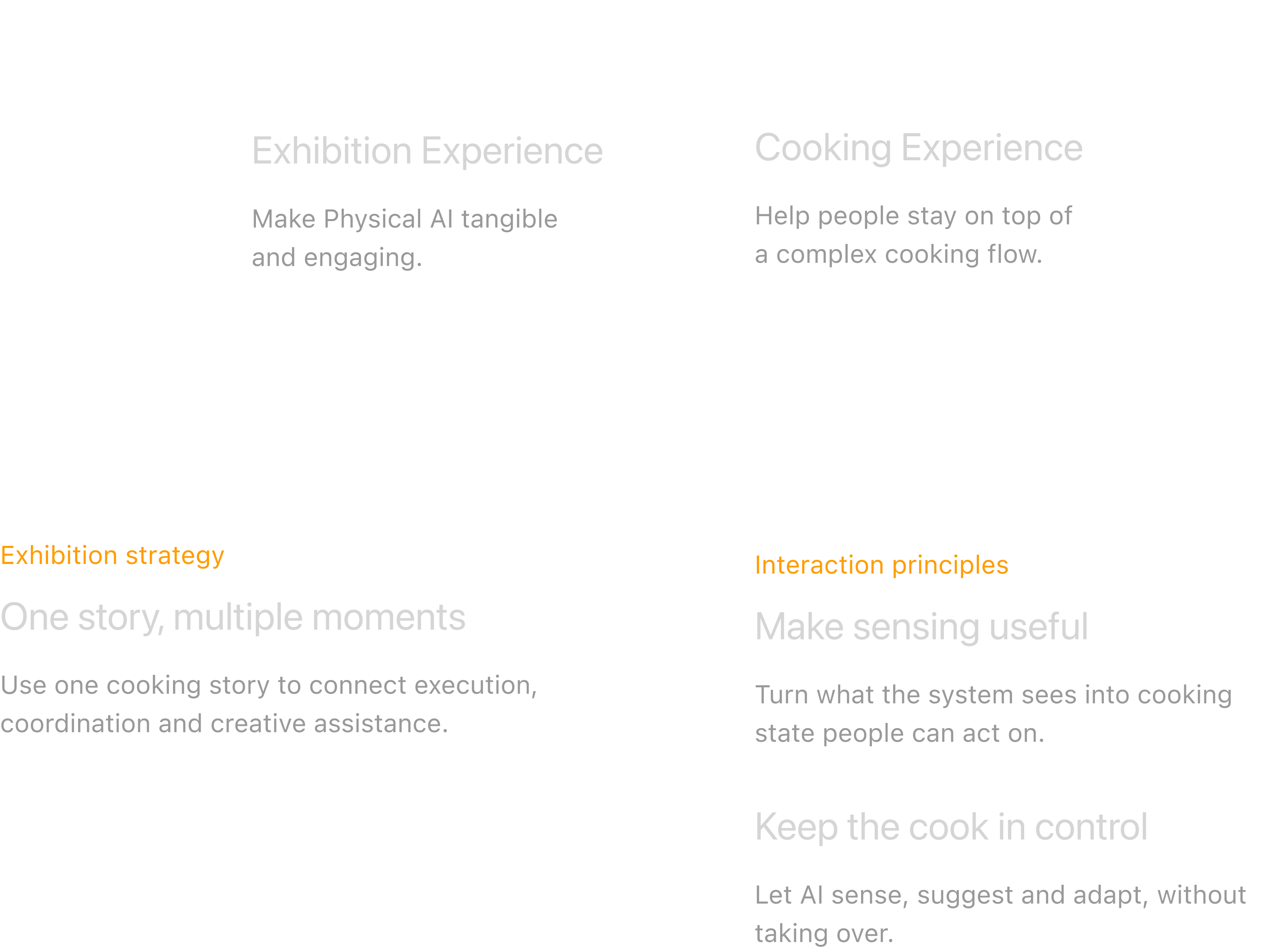
With the UX team, we aligned the demo around one exhibition strategy and two interaction principles.
Demonstration Flow
Anchoring the vision in one cooking story
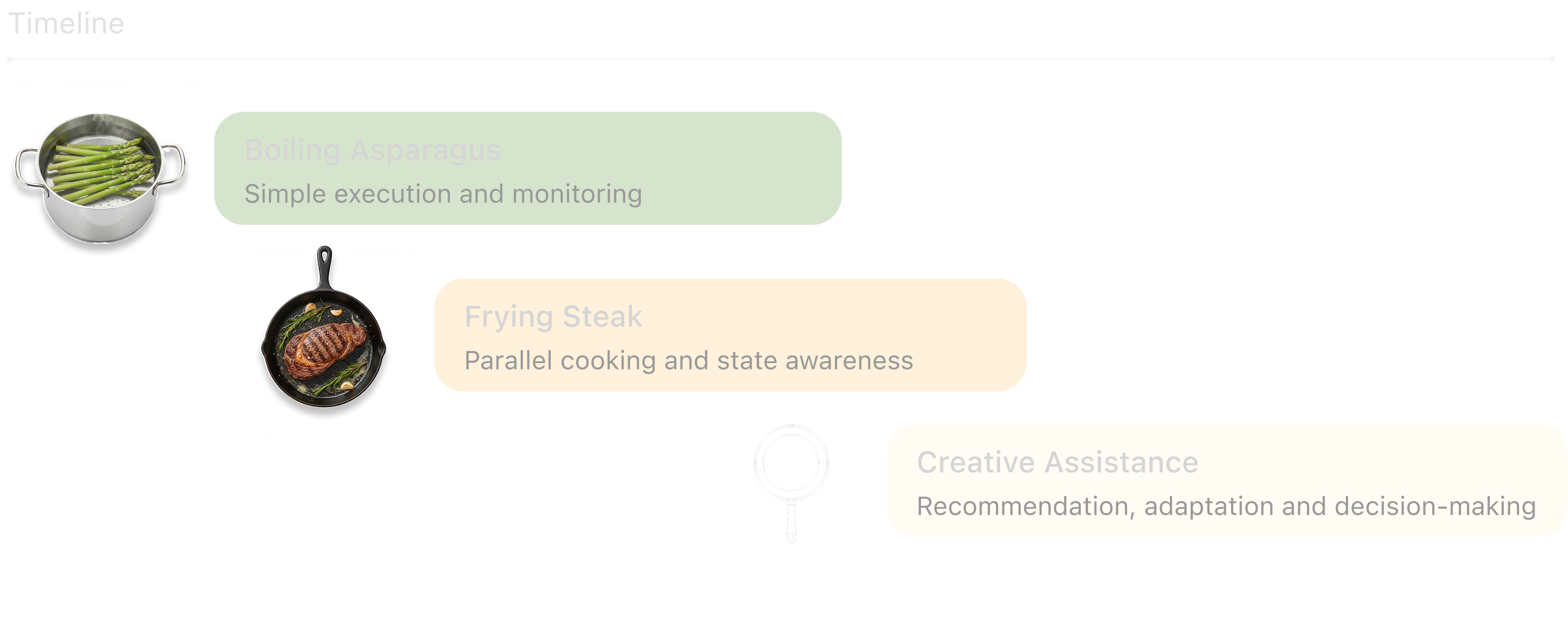
We used one staged cooking story to make the vision tangible: moving from simple execution, to parallel cooking, to creative assistance.
Define the Role
Setting the boundary — how far should each device extend?
What can cooking products already do today?
I benchmarked current cooking products to see where AI could meaningfully extend the hob and mobile assistant.
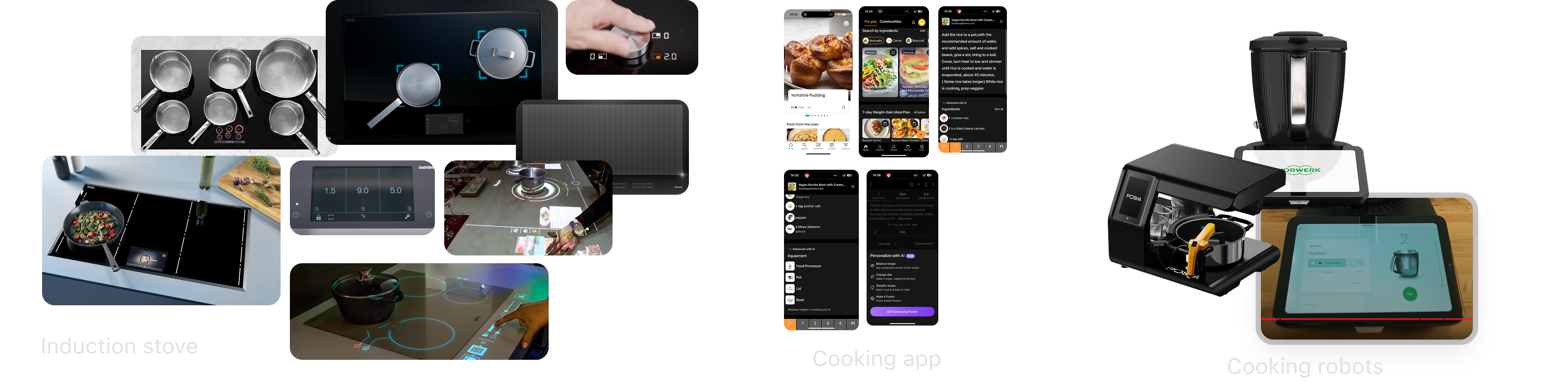
Advanced induction hobs
Flexible zones, sensing and richer physical feedback.
Cooking apps
Guidance, personalization, recommendations and adaptation.
Integrated cooking systems
Sensing, guidance and appliance control in one flow.
From possibilities to clear roles
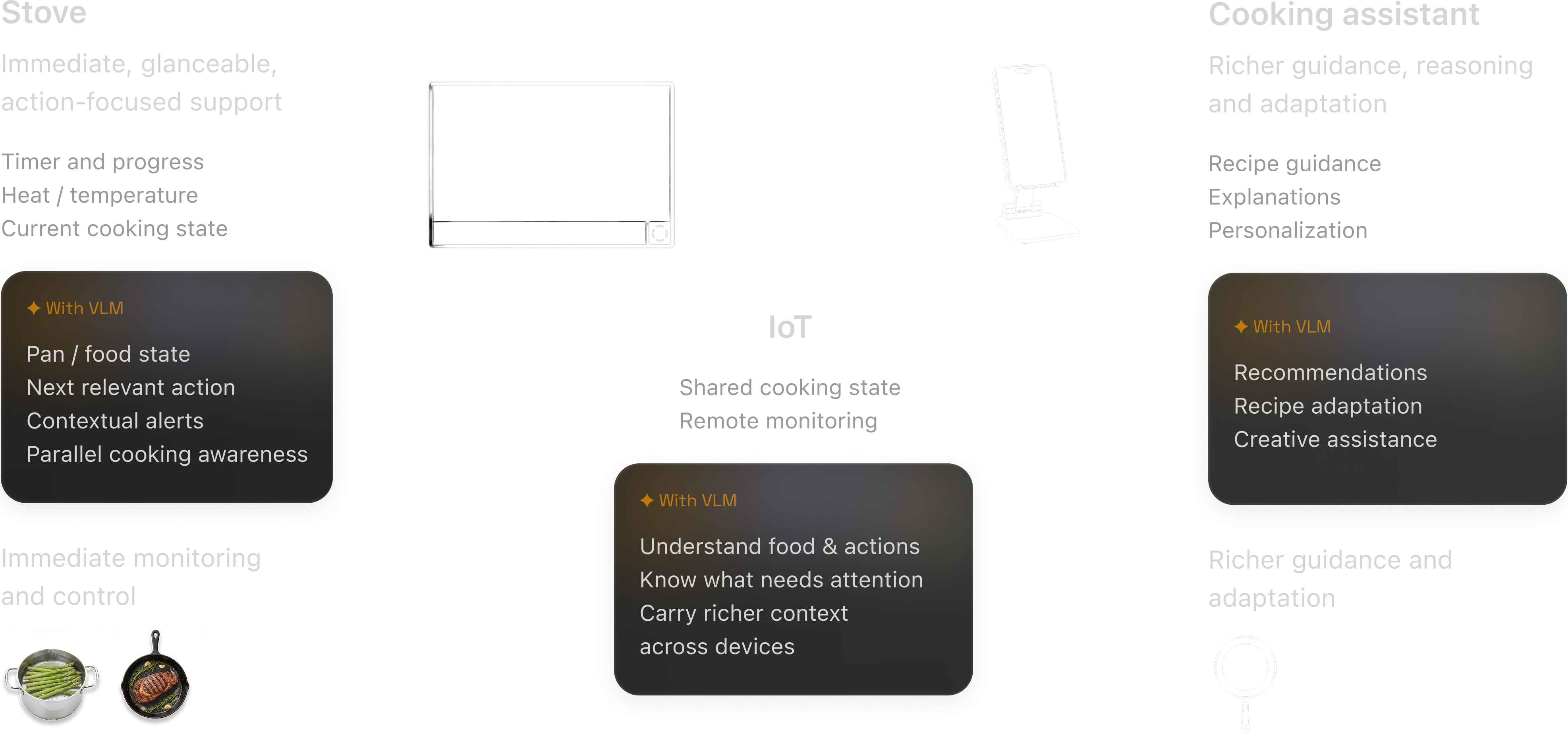
Using the benchmark as a starting point, I explored how shared cooking context could extend both touchpoints, then worked with the UX team to define clearer roles.
Hob Design
From AI-led conversation to user-directed control
How should that intelligence actually behave during active cooking?
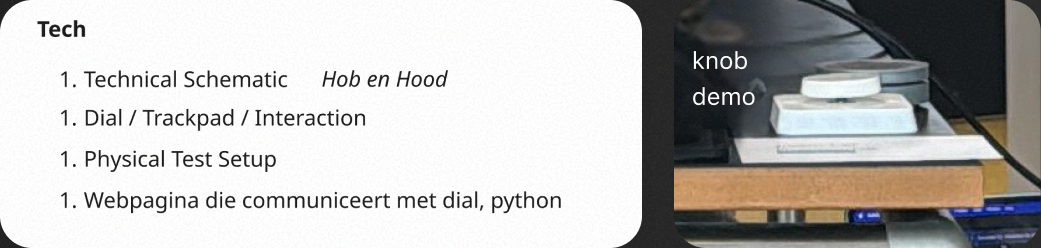
Designing while the hardware was still evolving
The controller was still changing, so the interaction had to stay flexible too.

V1: AI-led conversation
I started with an AI-led conversation: prompts surfaced cooking state, guidance and the next action.
What worked
The AI was easy to follow, and each moment had a clear next step.
What broke during parallel cooking
Walking through the steak + asparagus flow exposed the core problem: conversation is sequential, while cooking is parallel.
- State fragmented across messages
- Two pans were hard to scan at once
- The AI still controlled the flow
The AI was clear, but the cooking state was not.


60℃
Your pan is warming...
Pan detected. What do you like to cook?

V2: Persistent state
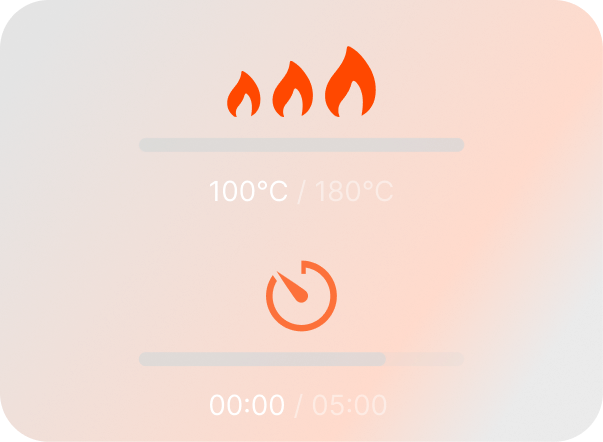
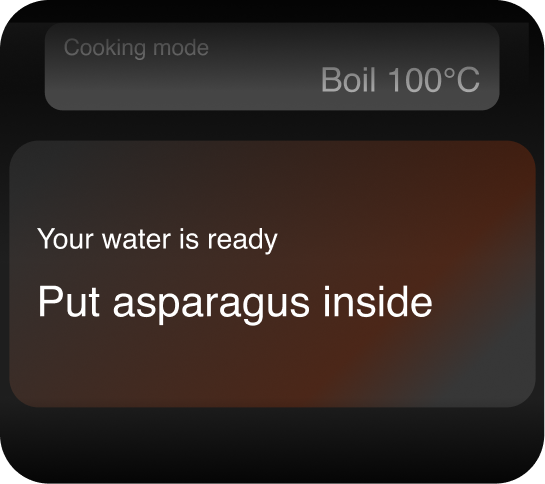
To make parallel cooking easier to scan, I kept cooking states visible and separated monitoring from active interaction.
What worked
- Cooking states stayed visible
- Two pans were easier to scan
- The UI mapped more clearly to the knob
What still broke
- Too much information competed for attention
- The user still reacted to AI instead of navigating directly
V2 improved awareness, but the interaction was still system-led.


Designing around sensing reliability
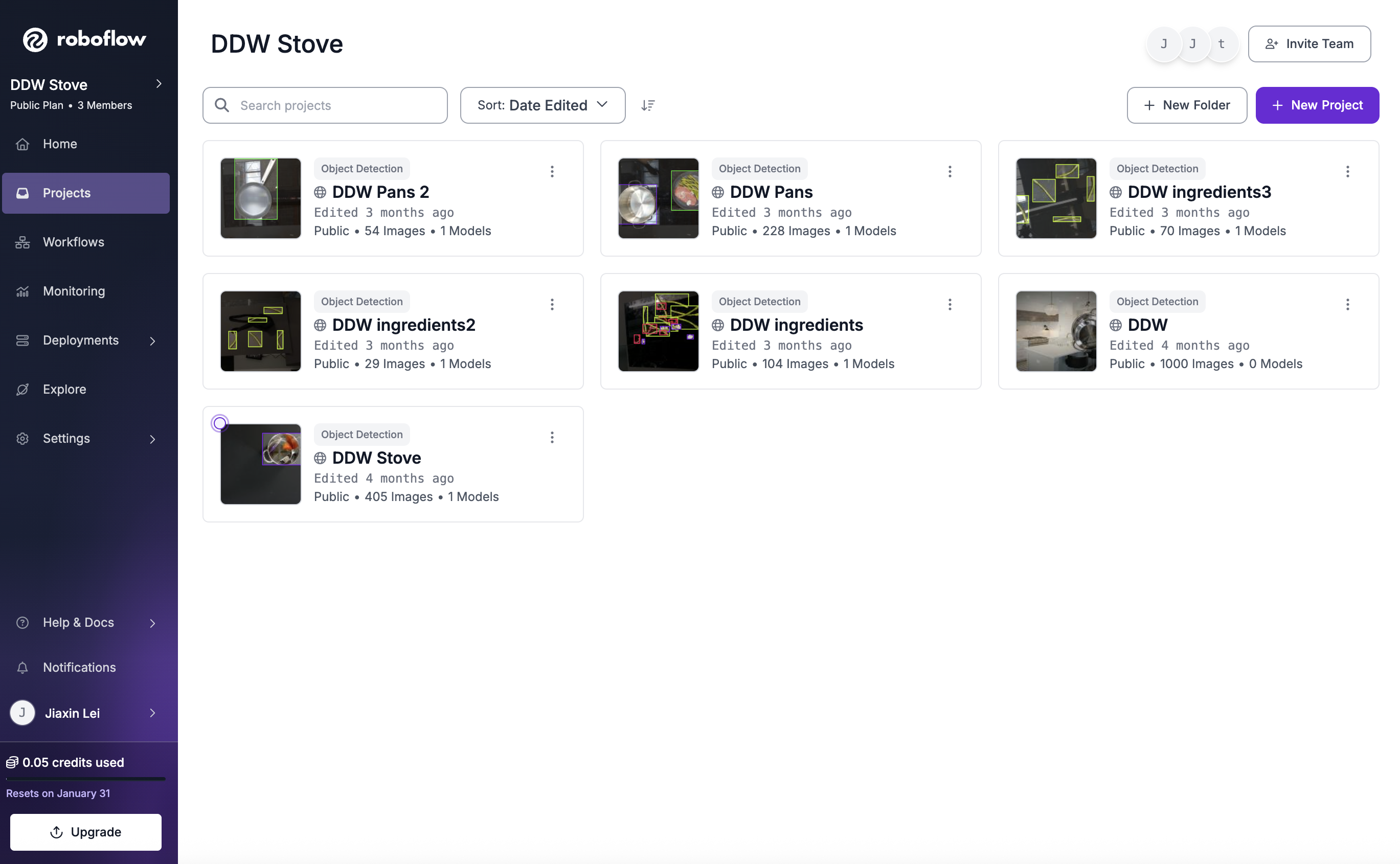
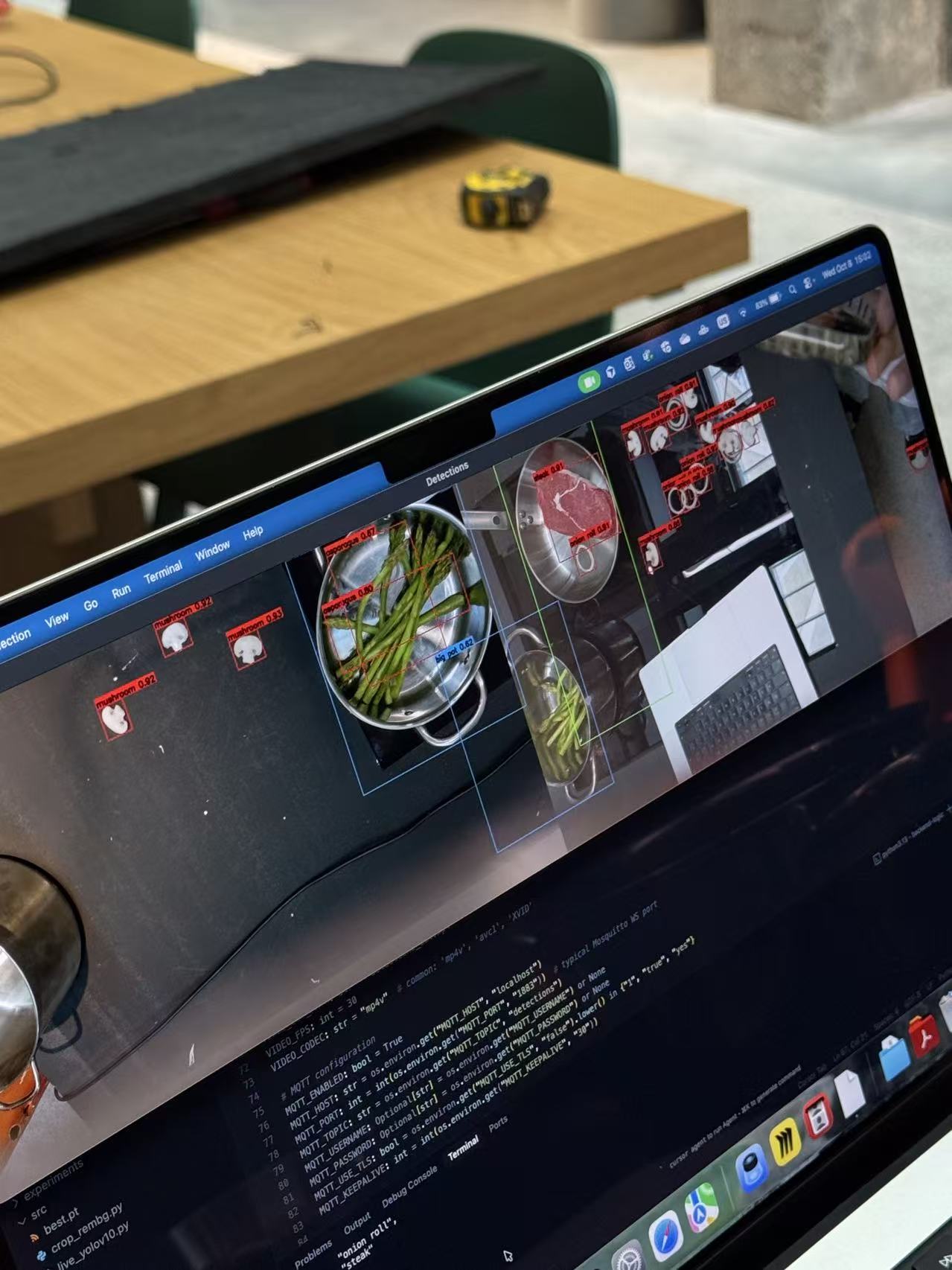
Testing the recognition pipeline revealed what vision could detect and what it couldn't.
The final model combined detected cooking context with saved preferences to set initial cooking settings. Users could change those settings at any time.
Final Version: User-directed contextual control
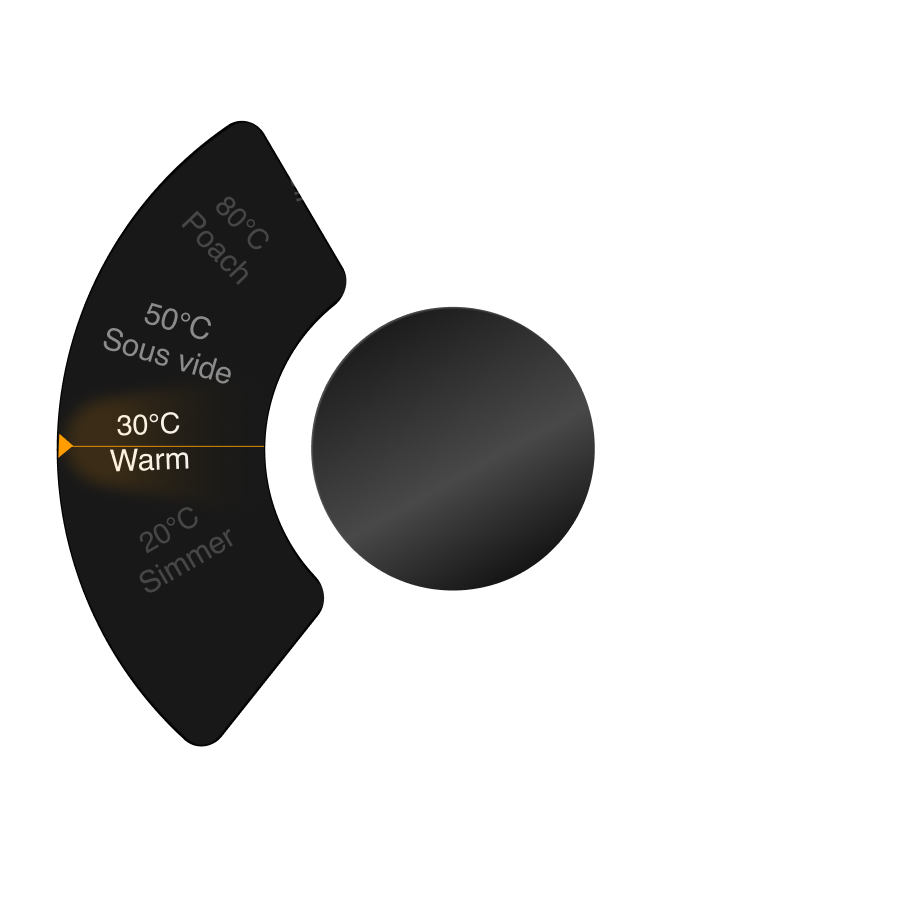
As the hardware converged on a trackpad, its directional input opened up direct navigation between pans and information layers.
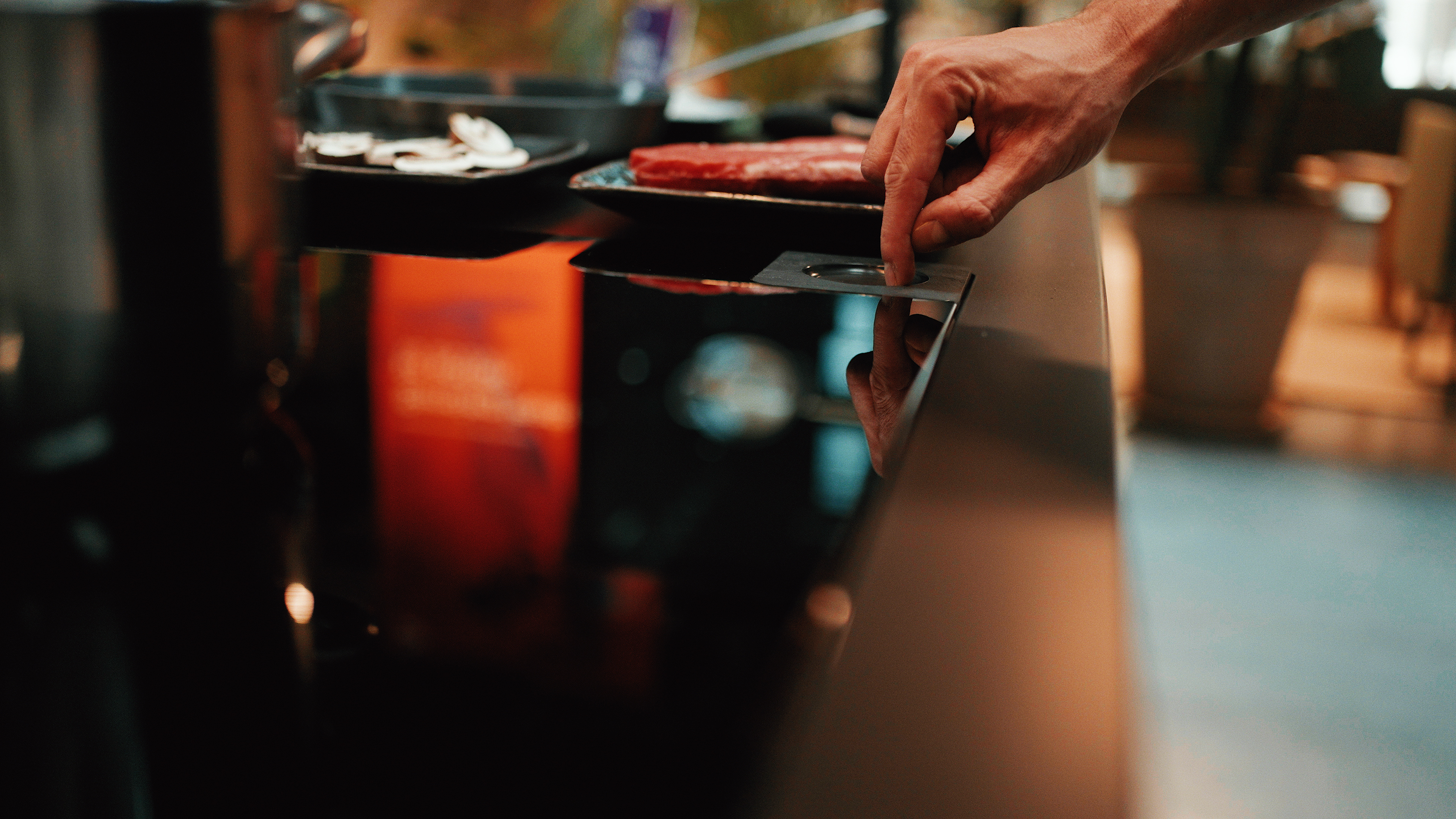
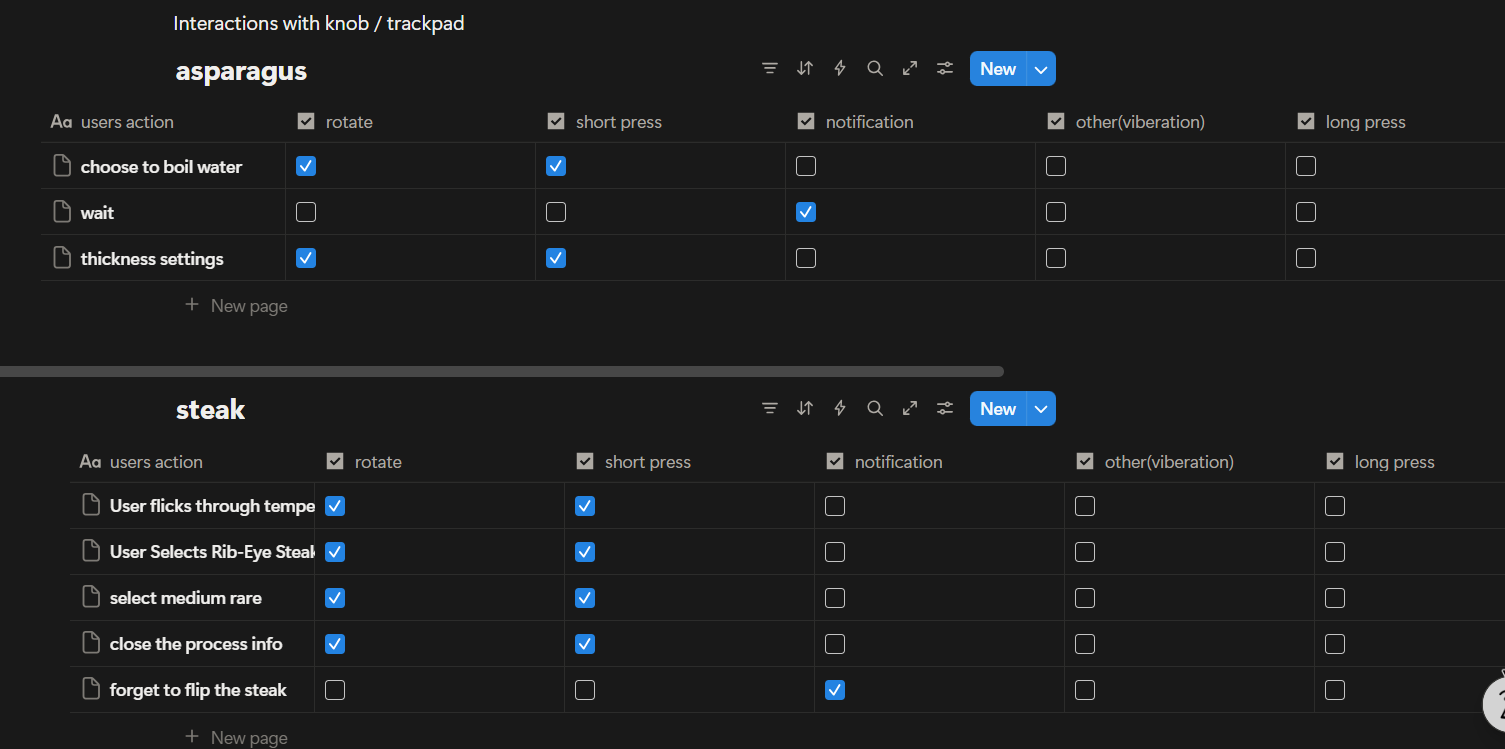
I mapped trackpad inputs to key actions across the cooking flow.
Together with the UX team, we kept the interaction vocabulary deliberately small:
- left/right to switch pans
- up/down for detail
- press to confirm or adjust
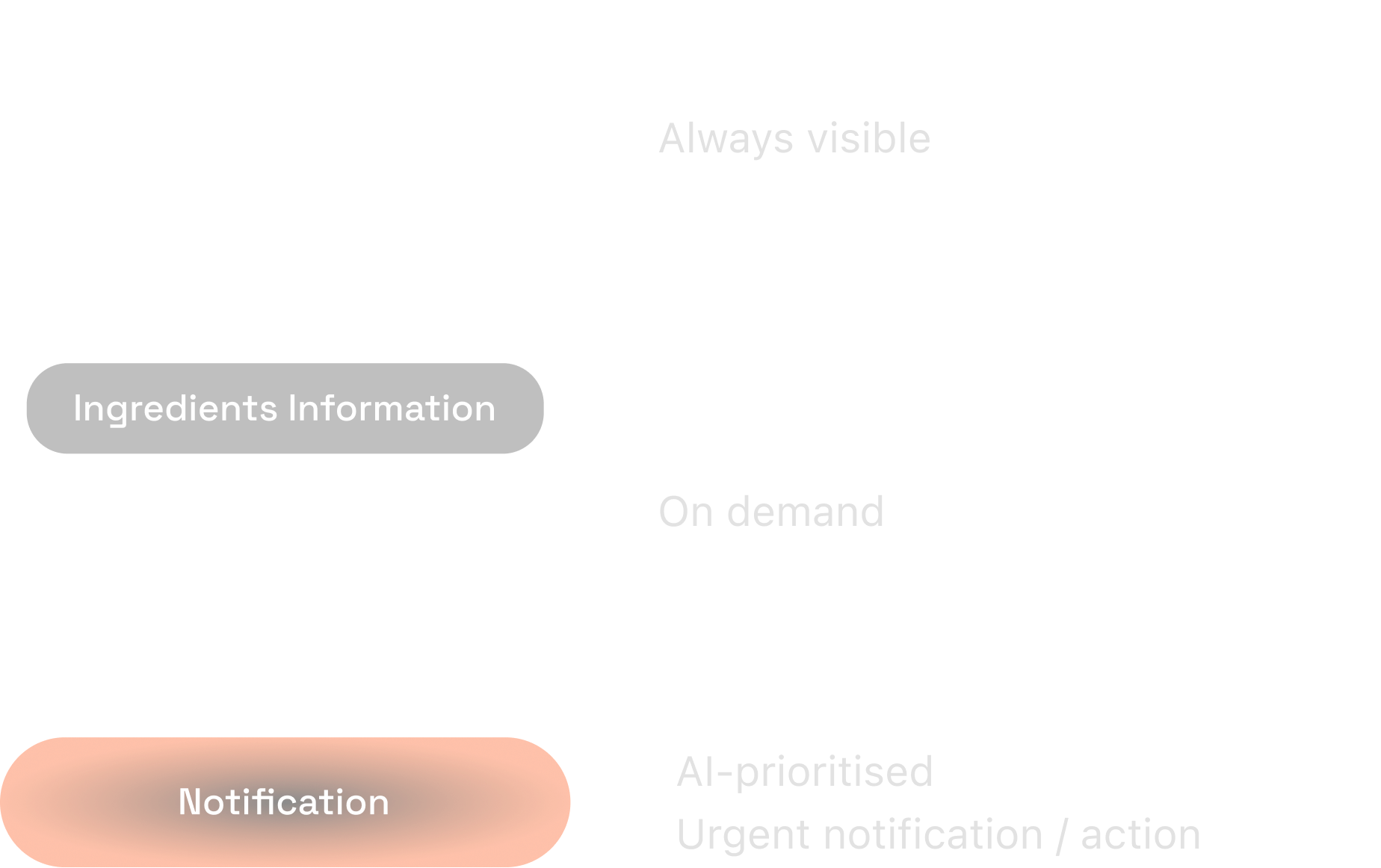
Show less, surface what matters
The final model kept essential state visible, deeper detail on demand, and AI intervention reserved for what needed attention.
The final model in action
In the steak + asparagus flow, both pans remained visible while the user chose what to inspect. Prompts highlighted the next cooking action, then the interface returned to monitoring.
Make sensing actionable
- Detect cookware and ingredients
- Apply saved preferences to set the cooking mode
- Let users adjust settings at any time
- Suggest the next relevant action
Keep parallel cooking glanceable
- Keep both cooking states visible
- Swipe between pans; pull down for detail
- The user chooses what to inspect
Interrupt only when it matters
- Surface the pan that needs action
- Highlight the next step
- Return to monitoring once it’s done
Mobile Design
From open-ended assistance to contextual guidance
Once the hob was focused on immediate cooking state and direct control, the phone became the space for richer guidance, reasoning, and adaptation.
What should the assistant surface first when it already knows what the user is cooking?
I structured the home around the meal already in progress — current cooking, relevant assistance and context-aware recommendations.
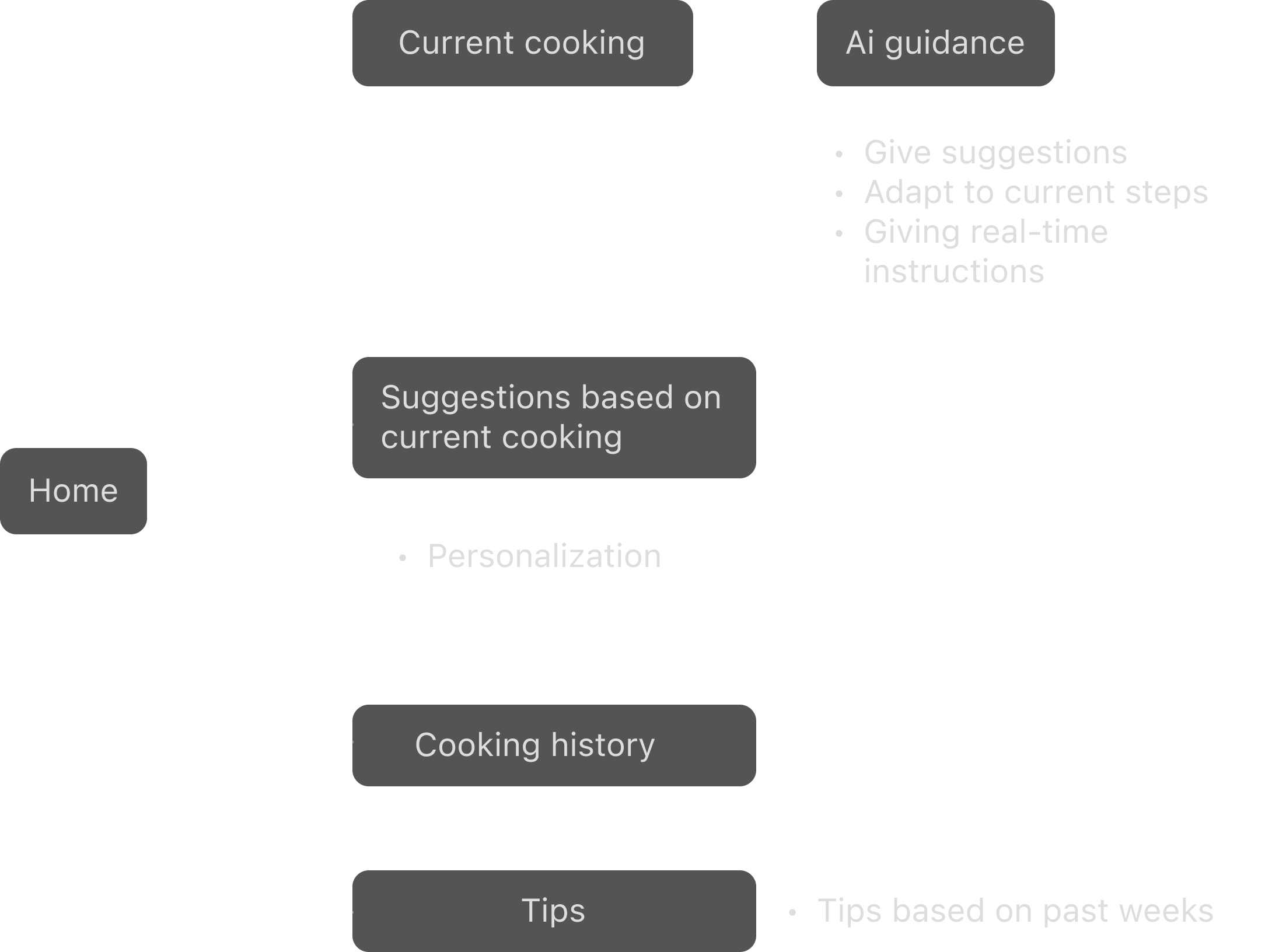
Designing for a reliable live demo
The assistant was intended to feel open-ended, but the exhibition floor made live voice interaction too unpredictable. We therefore constrained the flow to keep the demo stable and repeatable.
We rehearsed a fixed sauce-making scenario, while the assistant generated recommendations and adaptations live.
How should the assistant visually structure guidance once the user moves from exploration into execution?
I explored three ways to move from conversation into cooking execution.
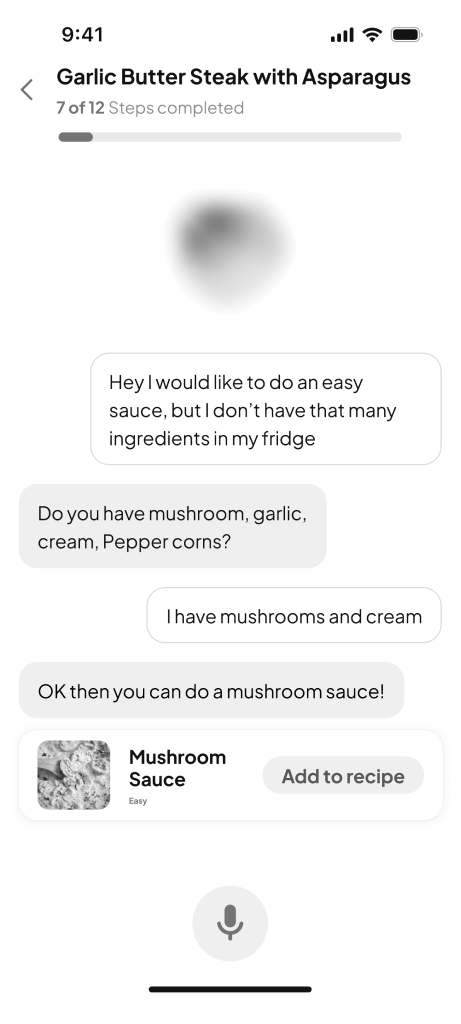
Continuous conversation
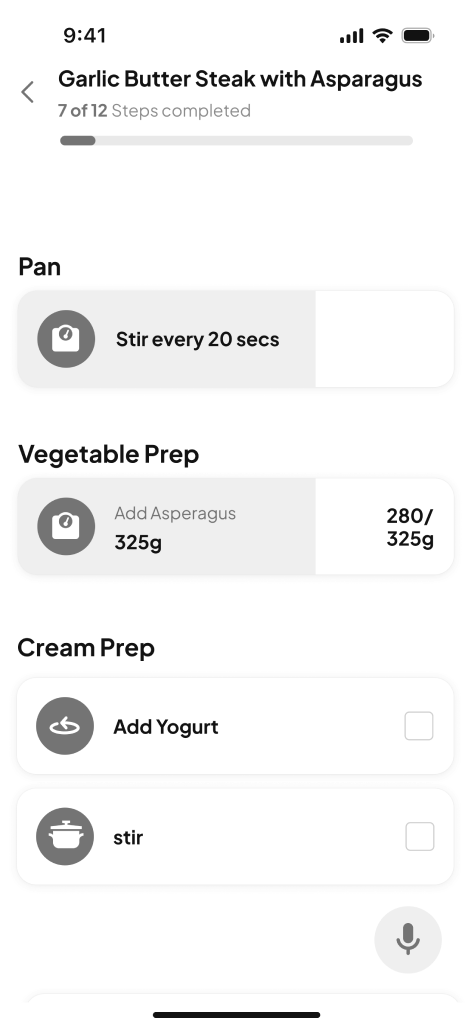
Parallel task
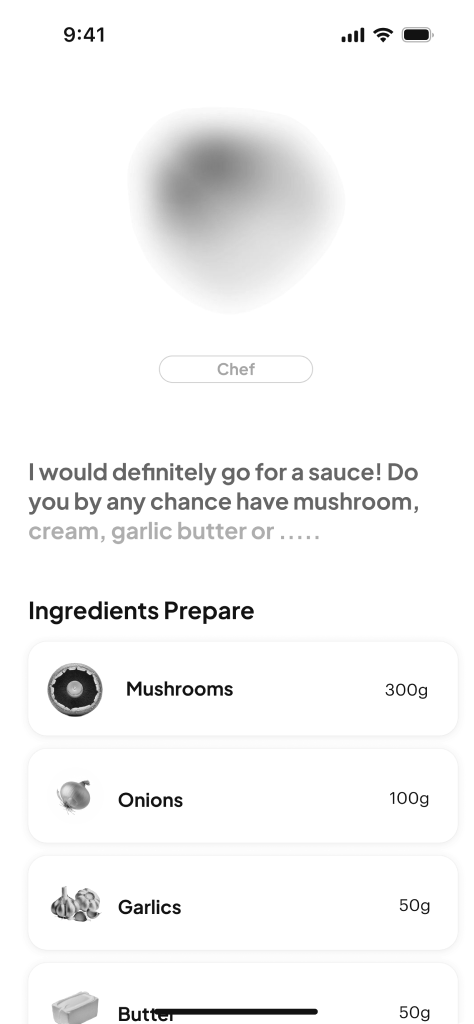
Focus on the current step

Why we chose to focus on the current step
The hob kept the overall cooking state visible, while the phone focused on the next relevant action. After a decision was made, guidance became more structured without repeating what was already visible on the hob.
The final story
The assistant picked up from the meal already in progress, helped the user decide, adapted to what was available, then shifted into guided execution.
Start from the current cooking context
Picks up from the meal already in progress.
Explore through conversation
Staff asks for a sauce; the assistant recommends mushroom sauce.
Adapt the recipe to what is available
“I don’t have cream, but I have yogurt.”
The assistant substitutes the ingredient and updates the recipe.
Move from conversation into execution
Once the choice is made, the interface shifts from conversation to one-action-at-a-time guidance.
Visual Assets
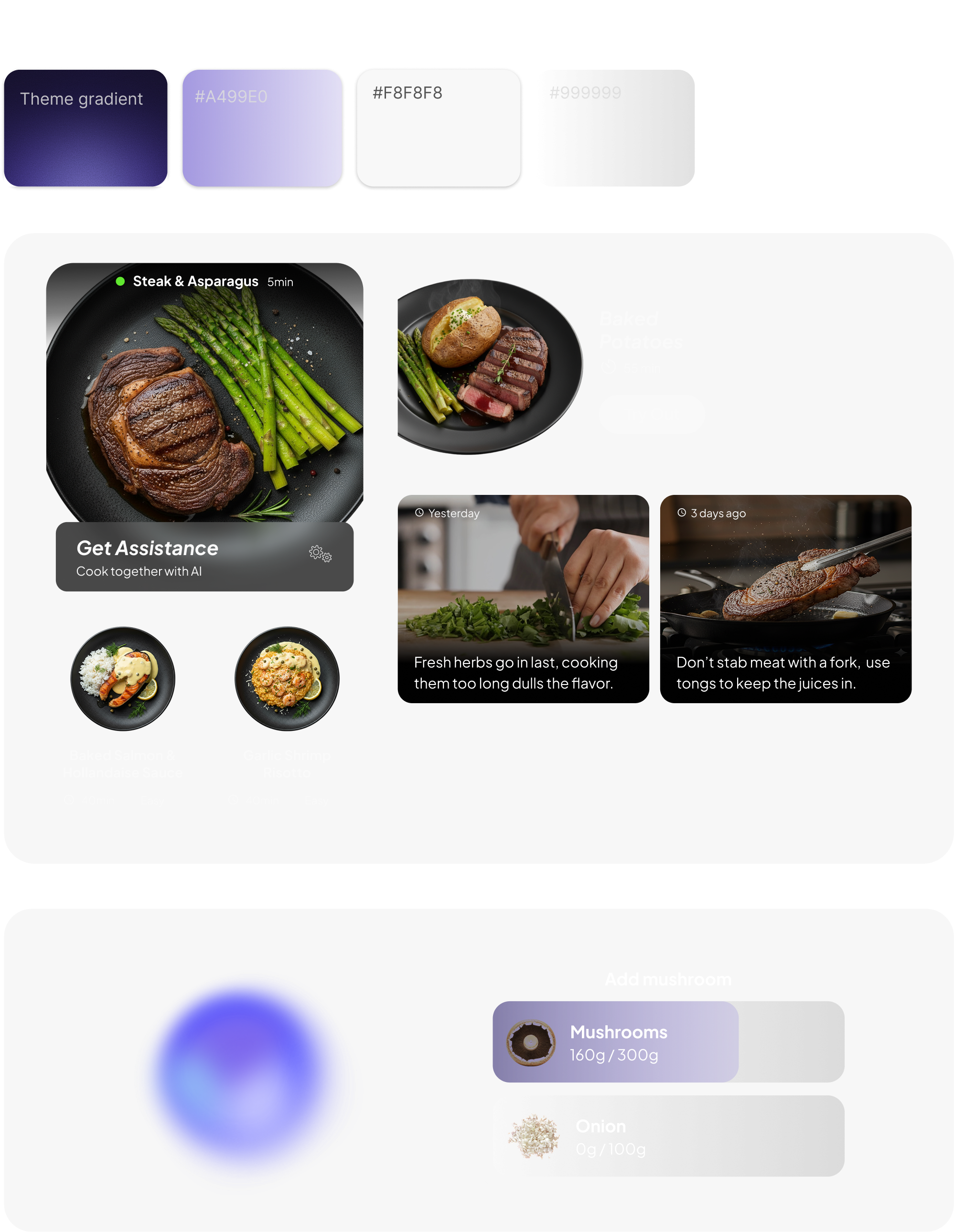
A shared visual language across touchpoints
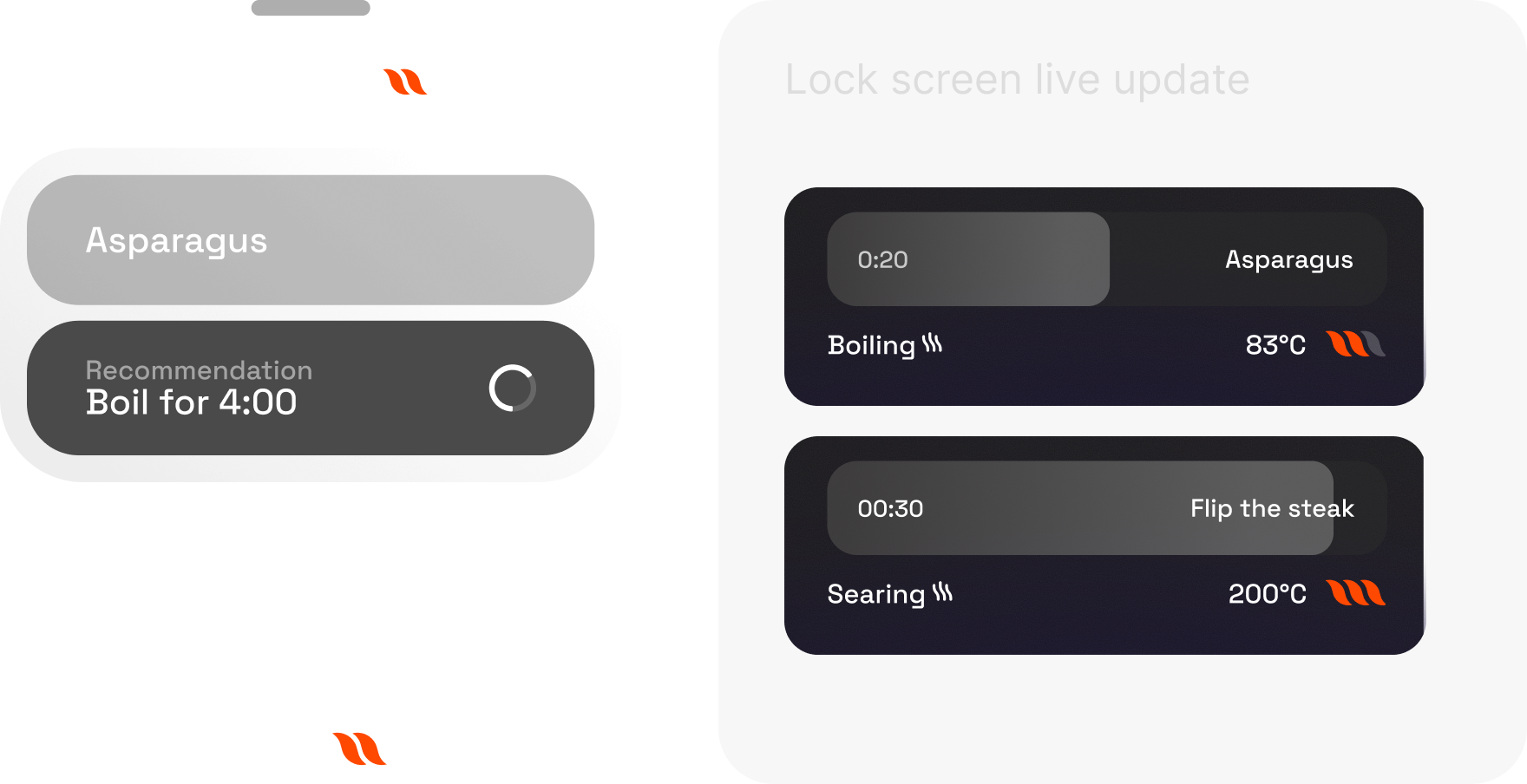
Hob & live updates
A dark, high-contrast visual language keeps cooking states glanceable while maintaining a premium tone.
AI assistant
The premium visual language extends into richer cards, recommendations and guided assistance.
Reflection
Turning ambiguity into something people can experience
This project taught me how to turn a broad, abstract vision into something concrete — first as a story, then as system roles, interaction logic and touchpoints. The turning point was learning to reduce ambiguity through specific scenarios: what should happen on the hob, what belongs on mobile, and when AI should step in.
Designing through constraints
A tight deadline, evolving hardware and imperfect sensing meant every decision involved trade-offs. I learned to simplify interaction as the hardware changed, design around recognition limits, and articulate those choices across UX, AI and physical prototyping teams.
Design for exhibition
Designing for DDW also changed how I think about prototypes. A live exhibition has to communicate an idea quickly, reliably and convincingly; a real product has to prove long-term usefulness, trust and everyday value. The demo made the vision tangible, but it also made clear what would still need to be validated beyond the exhibition.